Automatic Bell
A WiFi school bell controller that rings automatically on a preset schedule, skips weekends and holidays on its own, and is managed from a mobile app.
- Built for
- Schools
- Colleges
- Hostels
- Madrasas
- Training centres
- Factories
- Offices
$
Automatic Bell in action
Real screens from the Automatic Bell app. Pick a feature to see it.
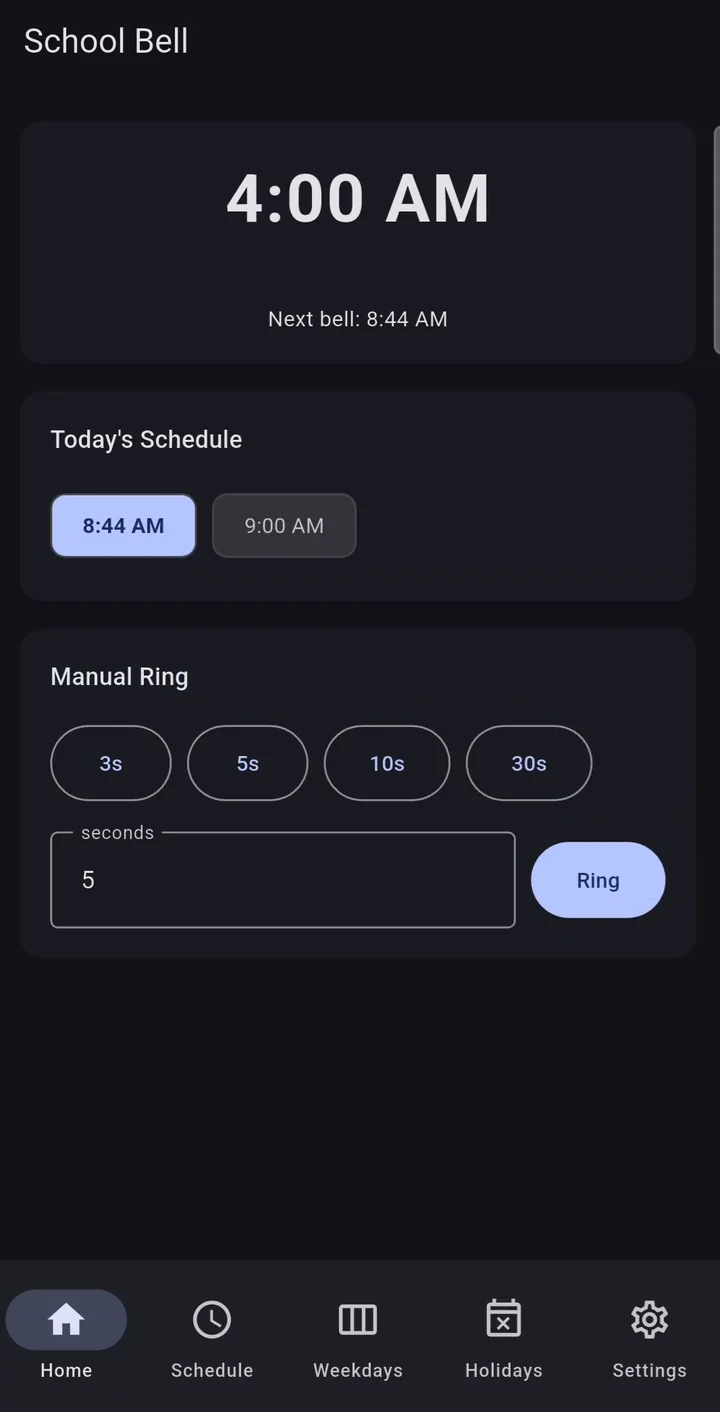
Everything at a glance
The current time, the next bell, today’s schedule and a manual ring — all on one screen.
- Live clock from the controller
- Next bell and today’s bells
- Manual ring on the same screen
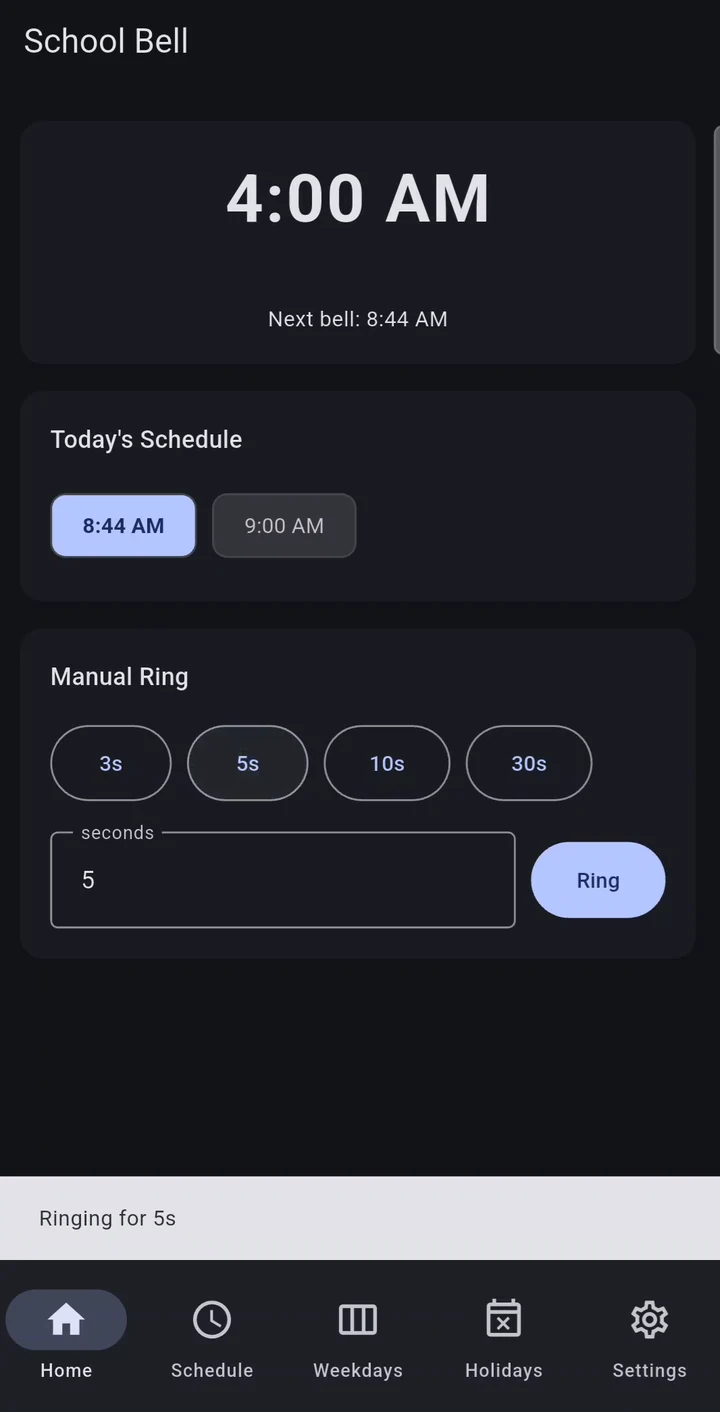
Ring the bell from your phone
Pick 3, 5, 10 or 30 seconds — or type any duration — and tap Ring for assemblies, drills or emergencies.
- Quick 3s / 5s / 10s / 30s presets
- Custom duration in seconds
- Instant confirmation in the app
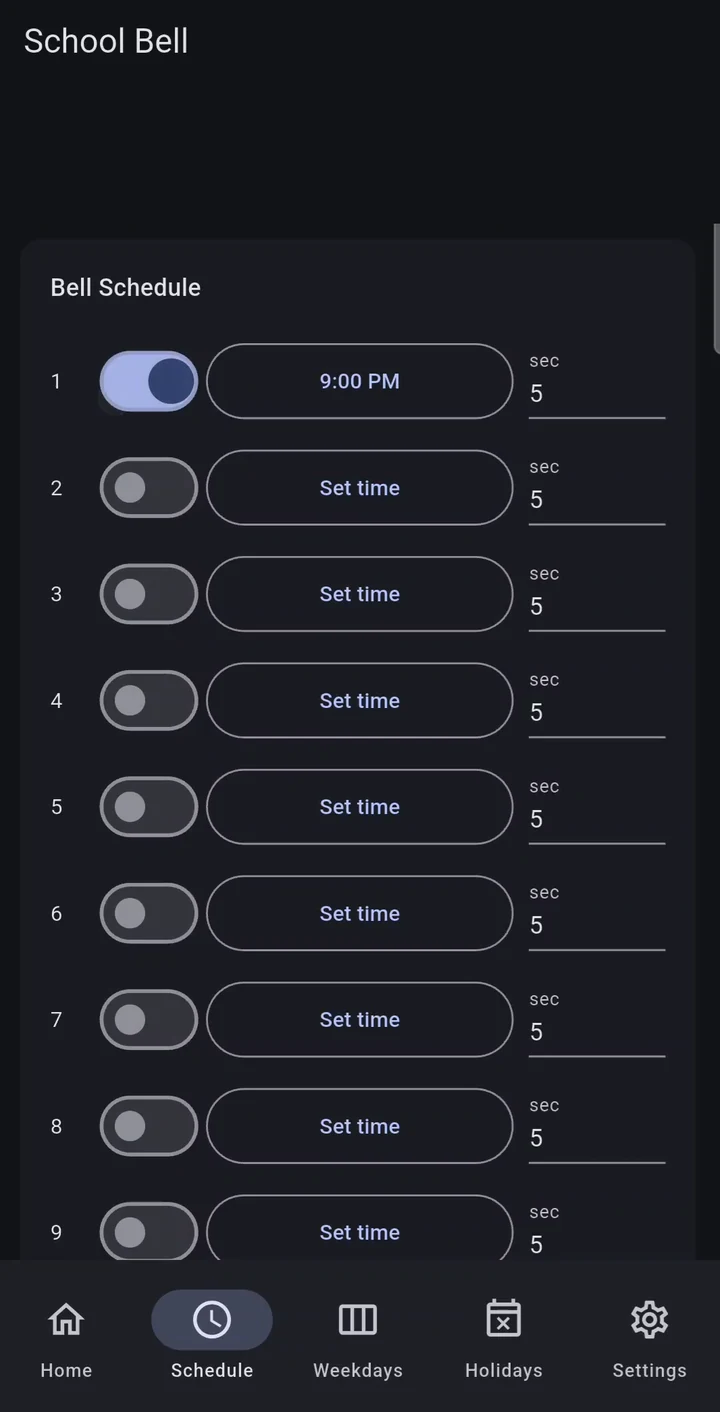
Set the daily timetable
Up to 10 bells a day. Switch each one on or off, set its time and how many seconds it rings.
- Up to 10 bells per day
- On / off per bell
- Ring length per bell
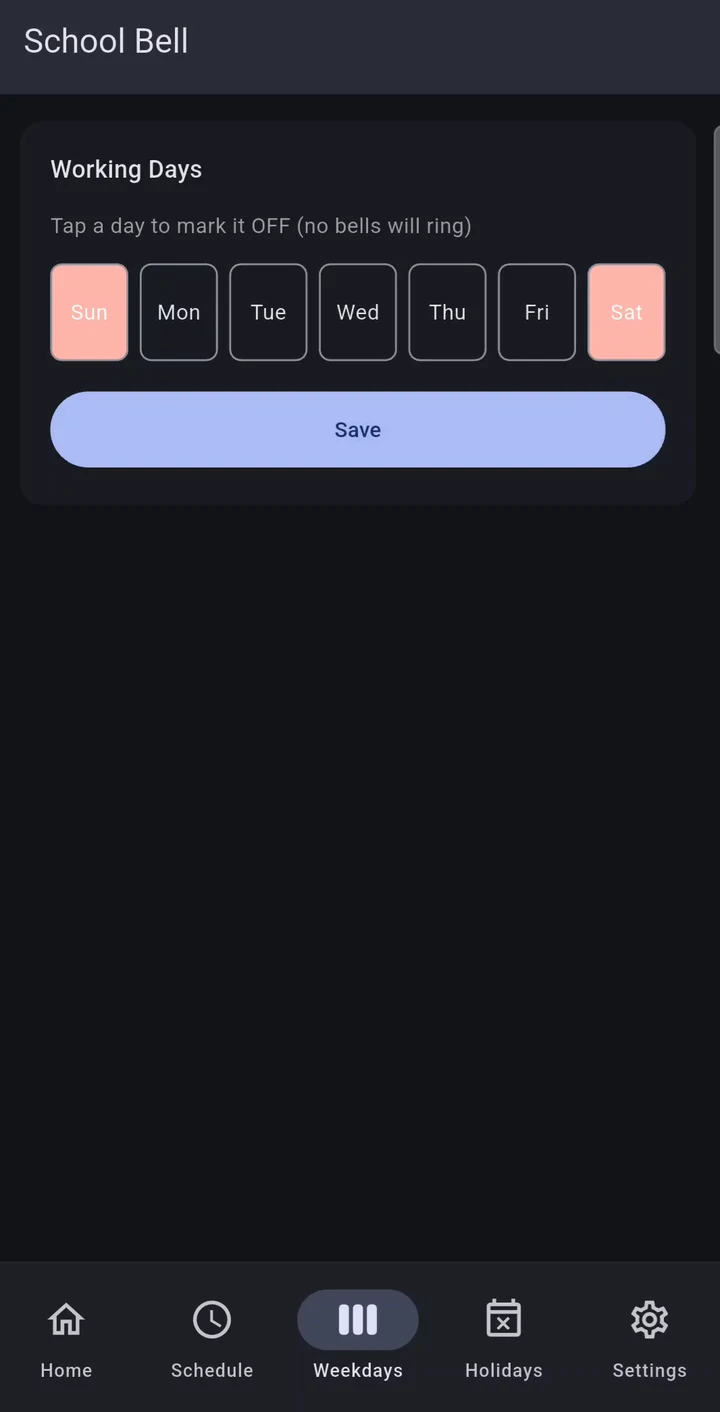
Choose the working days
Tap a day to mark it off — no bells ring on weekends or any day you switch off.
- Tap a day to turn it off
- Weekends skipped automatically
- Saved on the controller
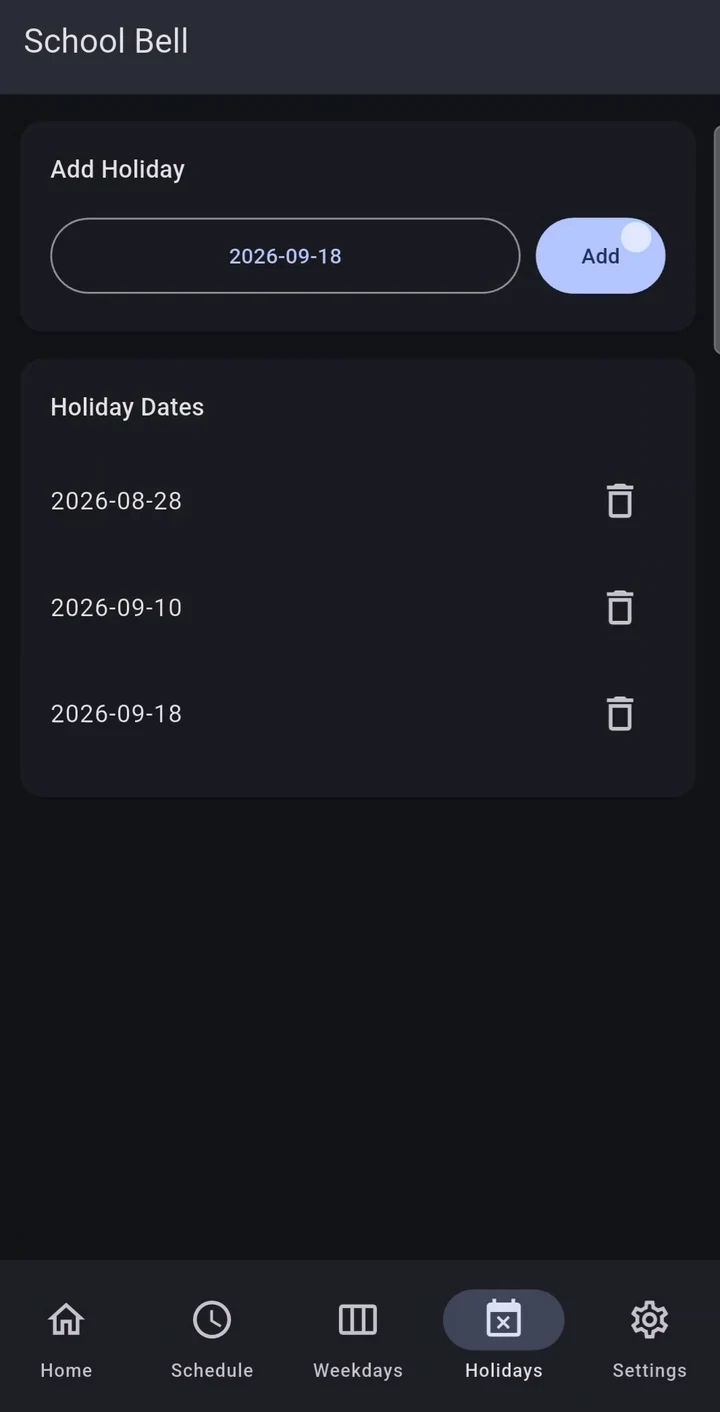
Skip holidays and exam days
Add dates once and the bell stays silent on those days, then carries on as normal.
- Pick dates from a calendar
- Remove a holiday in one tap
- No rewiring or reprogramming
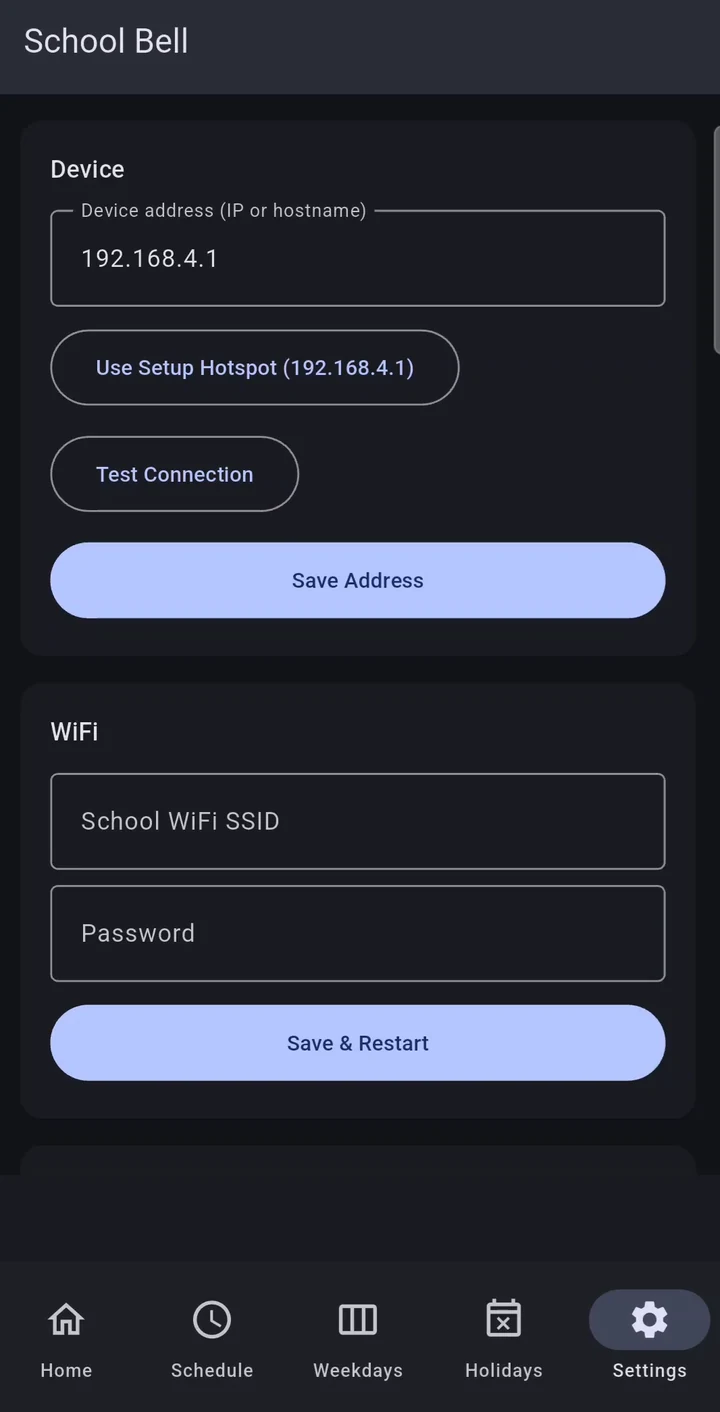
Connect to the school WiFi
Point the app at the controller, test the connection and join it to the school network.
- Device address or setup hotspot
- Test connection
- WiFi setup with save & restart
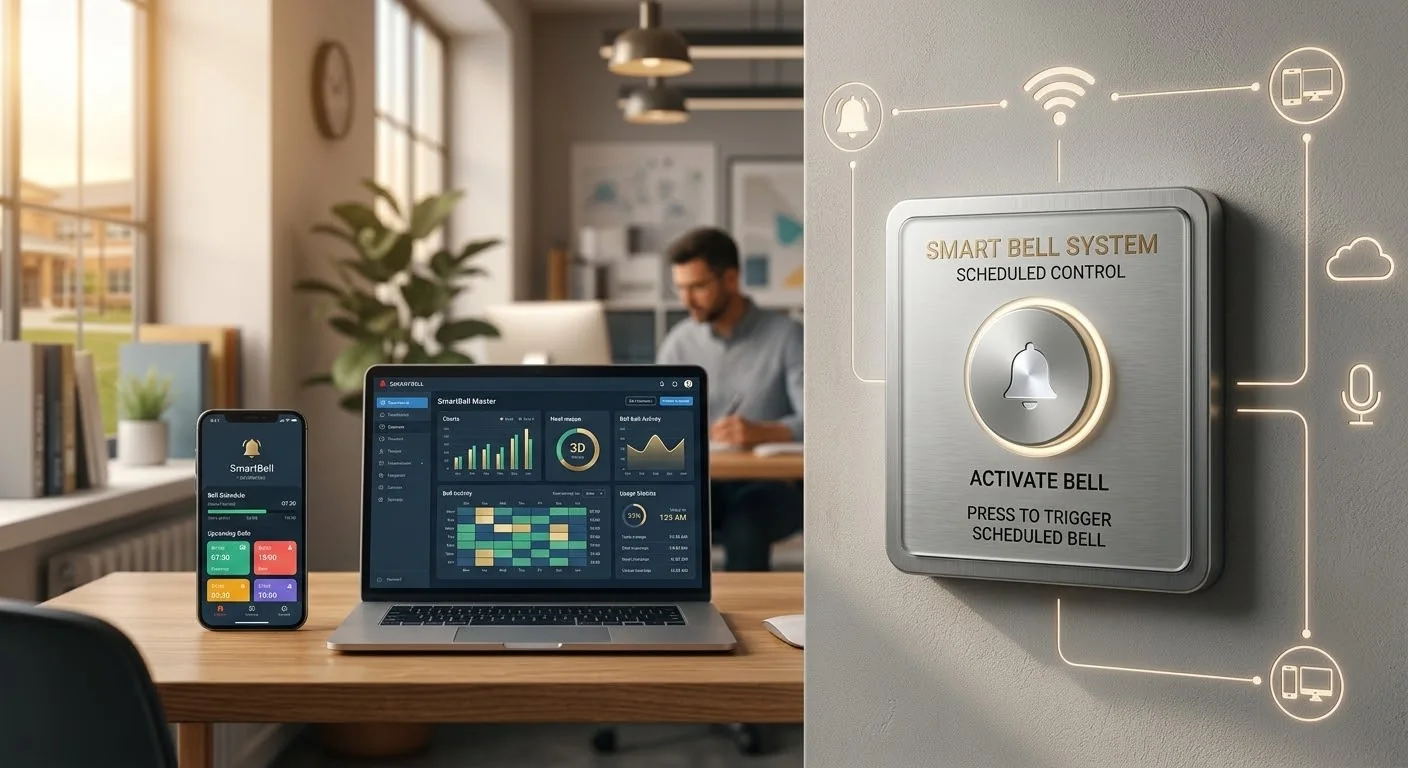
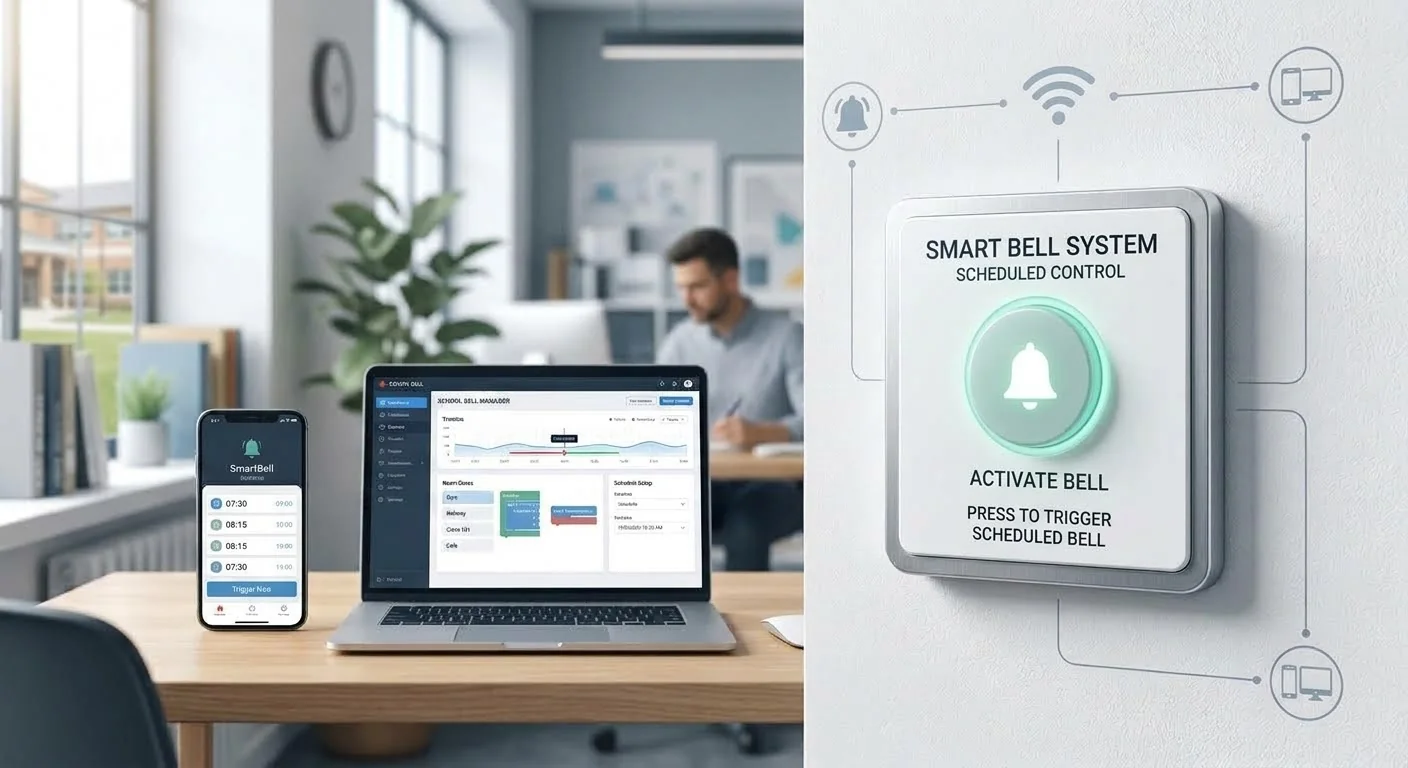
Automatic Bell system
The wall panel, the mobile app and the dashboard working together. Click an image to enlarge.
 [ enlarge ]
 [ enlarge ]
Why Automatic Bell
The problem
Schools still depend on staff ringing the bell by hand, or on mechanical timers that can’t skip holidays, adjust for exam days, or be changed without visiting the control box.
Our solution
A relay wired into the bell’s power circuit, controlled by an ESP32 with a real-time clock for accurate offline timekeeping, plus a mobile app that manages schedules, holidays and manual rings over the school network.
Key features
- 01
Automatic schedule
Rings on a configurable daily timetable, up to 10 bells.
- 02
Weekends & holidays
Skips weekends and specific holiday dates automatically.
- 03
Manual ring
Ring from the app for assemblies, drills or emergencies.
- 04
Accurate offline
An onboard real-time clock keeps time through power and WiFi outages.
- 05
Easy WiFi setup
Falls back to its own setup hotspot if the network can’t be reached.
How it works
- Step 1
The controller checks its clock every minute against the saved bell schedule.
- Step 2
When a bell is due — and it isn’t a weekend or holiday — it switches the relay on the bell circuit.
- Step 3
The bell rings for the configured duration, then the relay releases automatically.
- Step 4
Schedules, holidays and WiFi settings are managed from the companion app.
Built for
Use cases
- Period and break bells without staff ringing them
- Skipping bells on public holidays and exam days
- Ringing manually for assemblies, drills or unscheduled events
Benefits
- No more missed or late bells
- Timetable changes from a phone — no rewiring or reprogramming
- Keeps ringing on time through power cuts and WiFi outages
Under the hood
Technical overview
ESP32 microcontroller running Arduino-based firmware, a DS3231 real-time clock module, and a relay wired in series with the bell’s power feed. The ESP32 serves a local HTTP API on the school WiFi, and a Flutter mobile app manages schedules, weekday and holiday exclusions, and device settings.
Data & privacy
The device talks only over the local network and sends nothing to any cloud service. Schedules, holidays and WiFi credentials are stored on the device itself.
FAQ
Does it work if the WiFi goes down?
Yes. The real-time clock keeps accurate time on its own, so scheduled bells keep ringing.
Can school staff change the schedule?
Yes. Schedules, holidays and settings are all managed from the mobile app — no electrician needed after installation.
Interested in Automatic Bell?
Tell us about your business — we’ll get back to you within 24 hours.